vibe-fi
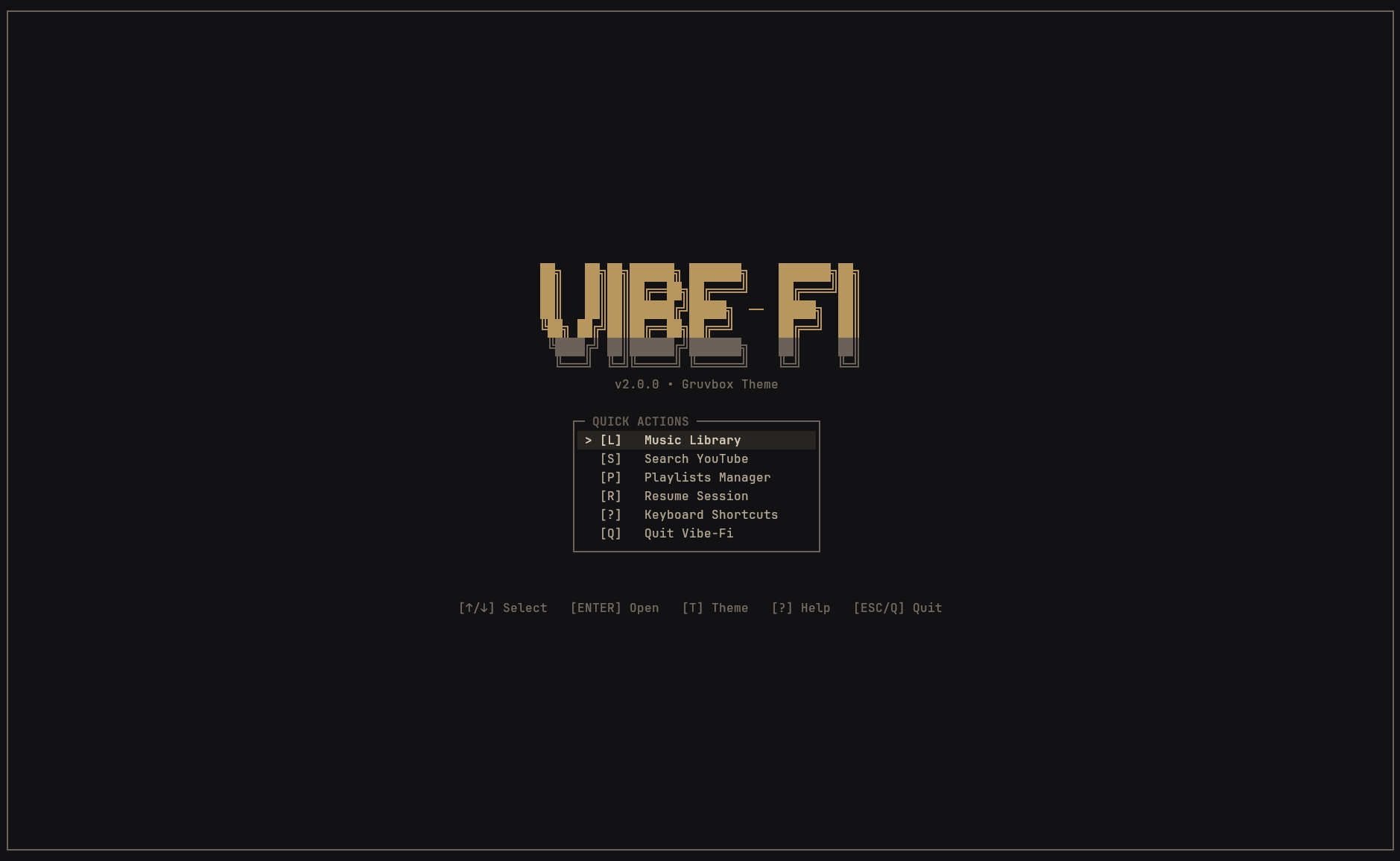
A fast, lightweight terminal music player. Stream YouTube music with live visualizers and synced lyrics.
Quick Install
One command · Ready in secondscurl -fsSL https://raw.githubusercontent.com/Swadesh-c0de/vibe-fi-go/main/install.sh | bashPre-built binary for Linux & macOS. Auto-resolves libmpv.
Key Features
Simple · Fast · Terminal-nativePlay any song from YouTube
Search for any track or paste a link. Music streams directly in high audio quality without opening a browser or draining your battery.
Live audio visualizer
Watch your music dance with a smooth real-time spectrum visualizer that pulses to the beat across 3 clean layout modes.
Live scrolling lyrics
Follow along as each line lights up in time with the song. Lyrics load automatically and are saved for offline listening.
Play your offline music library
Browse and play songs from your music folder. Supports MP3, FLAC, WAV, M4A, OGG, and all popular audio formats.
Media keys & status bars
Control playback with your keyboard's media keys and display the current song in status bars like Waybar, Polybar, or Discord.
Runs in ~60 MB of RAM
Starts instantly and uses virtually zero background memory. Leave it playing all day while you code or browse without slowdowns.
Commands & Shortcuts
Quick terminal controlsSearch YouTube
Search for any song, artist, or genre and start listening immediately.
Play a YouTube URL
Paste any YouTube video, music track, or livestream link to play its audio.
Resume last session
Pick up right where you left off — restores your last song, queue, and volume.
Play music folder
Browse and play all tracks in your local music folder. Works with all major formats.
Play a single file
Listen to any local audio file directly in your terminal.
Play or pause from desktop
Use your keyboard's media keys or window manager shortcuts to play and pause.
Show current song in status bar
Display the current track and artist in desktop bars like Waybar, Polybar, or scripts.
Check helper tools
Check the status of playback tools and helper programs installed with vibe-fi.
Launch without checking updates
Skip the automatic update check on startup for the fastest possible launch.
Check version
Displays the installed version of vibe-fi.
Keyboard Shortcuts
Home-row navigation · Zero mouse requiredPlayback Controls
5 keysSearch & Navigation
5 keysVisualizers & Lyrics
4 keysLocal Music & Playlists
4 keysPress any shortcut to test live • View full keyboard bindings in docs →
Free & Open Source
Vibe-Fi is free software built for everyone. Check out the code, suggest features, report bugs, or add custom themes on GitHub.